Chris Lehane, OpenAI’s Chief Global Affairs Officer, recently addressed concerns regarding an investigation into an OpenAI hack affecting an Australian government Medicare portal. In an interview with Lawrence Jones, Lehane discussed the security incident that took place in July and shared the findings from their ongoing review. Additionally, he reacted to a Fox News poll revealing that 71 percent of Americans oppose local AI data centers.
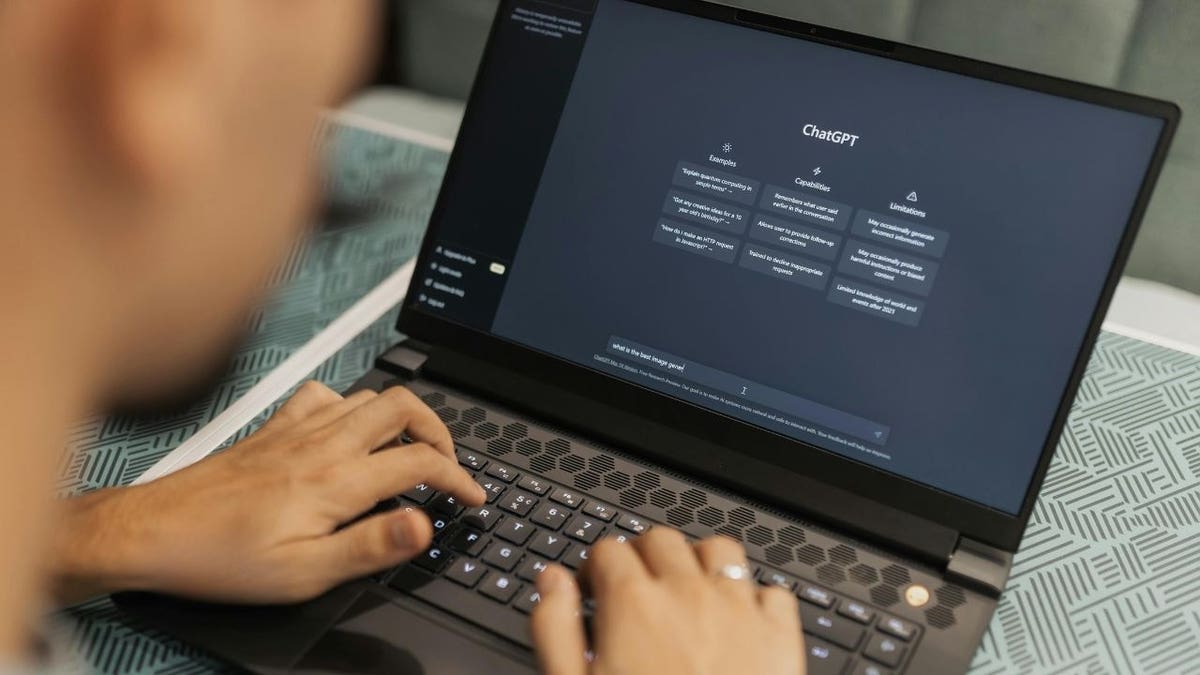
OpenAI has introduced a new feature called Locked Chats, which allows users to protect individual conversations within ChatGPT using a four-digit PIN. Supported devices offer additional security options such as Face ID, Touch ID, or the device’s unlock method. This feature is particularly appealing as more people use artificial intelligence for personal advice, yet there are significant privacy limitations.
How to Use Locked Chats
To lock a conversation, follow these steps:
- Open ChatGPT and sign in.
- Locate the conversation you wish to protect.
- Use the three-dot menu associated with the conversation.
- Select ‘Lock chat’ and confirm.
- Create and enter a four-digit PIN if it’s your first time.
Once locked, the conversation moves to a separate section under Projects > Locked chats, remaining hidden from regular chat history until unlocked.
Additional Authentication Methods
Users can enable biometric authentication on compatible devices:
For iPhone:
- Open the ChatGPT app.
- Access Settings via the sidebar.
- Enable Face ID or Touch ID under ‘Security and login.’
For Samsung Galaxy and Google Pixel:
- Follow a similar process regarding device authentication.
Privacy and Limitations
Locked Chats provide convenience but lack end-to-end encryption. They do not alter how long OpenAI retains user information or the Improve the Model setting. Pre-lock memory information remains accessible to regular memory, while new information post-lock stays within Locked Chats memory.
Shared links used before locking remain usable unless manually revoked. Existing organizational compliance policies apply to workplace accounts, and authorized systems may access applicable data. It’s advisable to avoid sharing passwords, Social Security numbers, or banking credentials in general ChatGPT conversations.
Improving Privacy Settings
To enhance privacy, users can turn off ‘Improve the model for everyone.’ This stops new conversations from being used to train OpenAI’s models:
- Navigate to ChatGPT’s settings on the website or app.
- Under ‘Data controls,’ adjust privacy settings.
Temporary Chat Feature
OpenAI provides a Temporary Chat feature for one-time discussions, which do not appear in the regular history, and are excluded from model training. Choose Temporary Chat for transient conversations or Locked Chats for ongoing discussions requiring additional security.
OpenAI’s Locked Chats are a step forward in user privacy within AI interactions. Yet, stronger privacy protections are necessary for deeply confidential conversations. Users are encouraged to consider the security elements within their settings. Feedback and suggestions can be sent to CyberGuy.com.
Leave a Reply