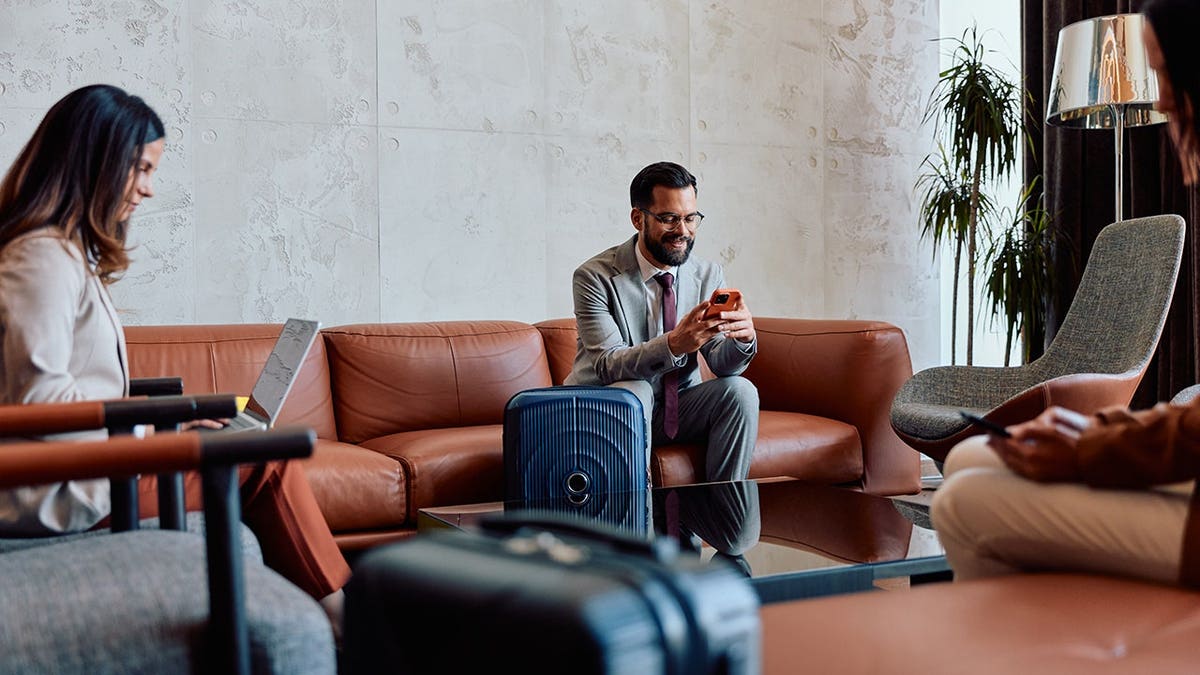
Upon arriving at your destination after a long flight, settling in at your hotel is usually followed by searching for the Wi-Fi password. Connecting to public Wi-Fi is a common practice, yet it poses risks to your passwords, accounts, and personal information. While convenient, public Wi-Fi networks can be exploited by individuals with malicious intentions.
The Dangers of Free Wi-Fi
Public networks transmit data through the air on networks you do not control. Open networks can allow connected users to utilize tools to monitor traffic patterns and identify unencrypted activity. This technique, known as packet sniffing, poses a risk even though most modern HTTPS protocols protect usernames and passwords. Additionally, fake networks such as ‘Airport_Free_Wi-Fi’ or ‘Hotel Guest’ are set up by hackers to lure users into connecting. This method is known as the evil twin attack.
Beyond stealing your password, attackers can target session tokens, which can lead to account hijacking. This can allow unauthorized access to your email, banking apps, and more, turning a hotel Wi-Fi session into a security threat.
Protecting Your Data
Protecting yourself from such risks doesn’t require advanced security knowledge. A Virtual Private Network (VPN) can encrypt your data, providing a safe tunnel from your device. VPNs scramble information, making it unintelligible to those trying to monitor the network.
For seamless protection, the best VPNs should be user-friendly, fast, privacy-focused, and capable of managing multiple devices. My top choice utilizes robust encryption with a no-logs policy, includes a kill switch, and is compatible with various platforms like iPhone, Android, Windows, Mac, and routers.
Smart Habits to Enhance Security
While VPNs do most of the security work, adopting certain habits can reinforce protection:
- Turn off auto-connect: Avoid automatic connections to untrusted networks.
- Confirm network name: Verify the official network name at public places.
- Enable two-factor authentication: Adding an extra security layer with 2FA can deter unauthorized access.
- Use a password manager: For better security, employ unique credentials for each site.
- Reserve sensitive activities for secure networks: Conduct banking and similar tasks on cellular data or a trusted VPN.
Travel should be enjoyable, not a post-vacation security problem. Free Wi-Fi is not synonymous with secure Wi-Fi. Employ a trusted VPN and adopt secure habits to prevent potential exploits.
Do you consistently use a VPN on public Wi-Fi? Share your habits with us at Cyberguy.com.
Leave a Reply