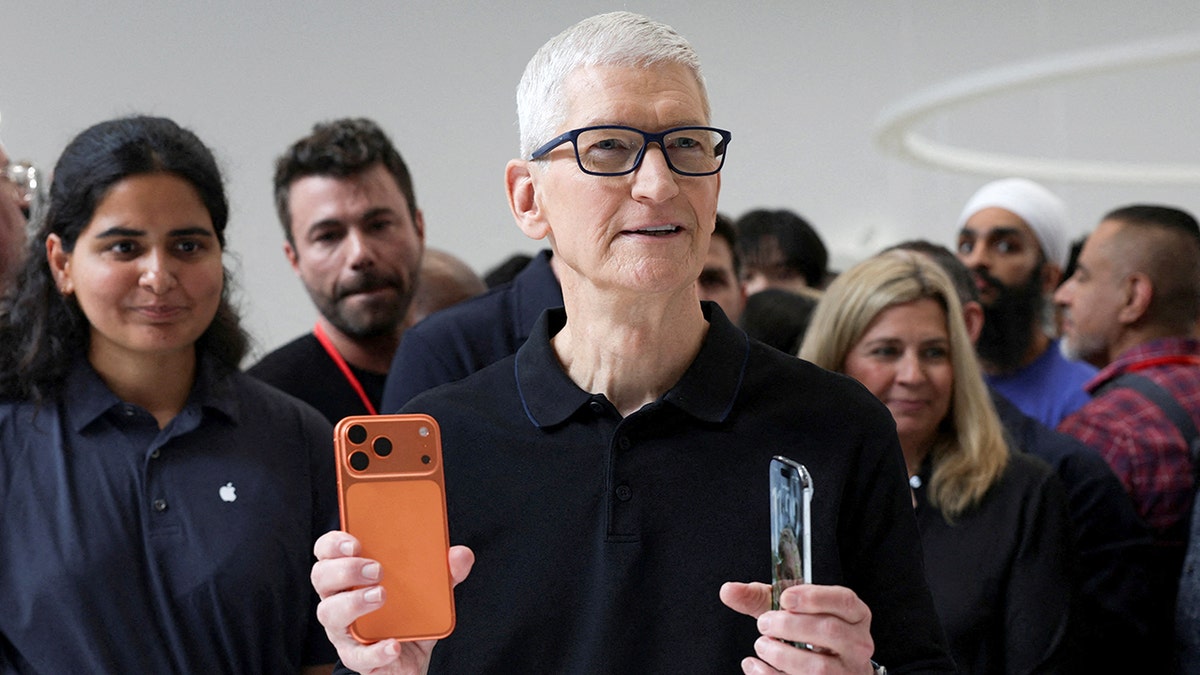
Apple used the WWDC 2026, its annual developer conference, to announce future plans for iPhone, Mac, iPad, Apple Watch, and Vision Pro. This year’s event held added significance as it marked Tim Cook’s final WWDC as CEO, with John Ternus taking over in September. The most notable updates focused on software enhancements.
The Impact of Siri AI and Apple Intelligence
Apple introduced Siri AI, rebuilding it around Apple Intelligence for improved capabilities. Users can now make more complex requests and hold longer conversations with the assistant. The Siri app allows returning to past interactions, and the voice customization features allow for adjusting pace and expressivity.
Apple highlighted Siri’s ability to use on-screen information. During the keynote, Siri identified a location from an image and planned routes using contextual information. On Mac, Siri used Spotlight to assist with emails by combining details from multiple applications.
Integration with Google Technology
A significant development involved Apple collaborating with Google on the next generation of Apple Foundation models. By incorporating technologies from Google’s Gemini family, Apple aimed to enhance reasoning and image understanding capabilities run on-device and via Private Cloud Compute.
Extended iOS 27 Support
Apple confirmed continued support for iOS 27 on iPhone 11 and other models. This ensures that older devices benefit from Apple’s software updates. Enhancements in CPU schedulers aim to improve device responsiveness when multitasking.
Performance Boosts across Devices
There is a 30% increase in app launch speed and faster photo loading. AirDrop transfers are up to 80% quicker. Improved network transitions help devices efficiently switch between Wi-Fi and cellular networks.
Liquid Glass Design Improvements
Apple refined the Liquid Glass design system to improve readability and contrast. Users now have greater control over the transparency of interface elements through a new setting slider.
Enhanced Parental Controls
Apple introduced a Child Account setup, with automatic safeguards against unwanted content. The updated Ask to Buy feature allows parents to approve app and web access requests.
Screen Time Flexibility
Screen Time updates include clearer usage views and suggested Time Allowances for app categories, helping parents manage children’s device use effectively.
Safari Tab Organization
With the help of Apple Intelligence, Safari can group tabs based on topic. This feature helps users organize multiple tabs related to specific projects and tasks.
Password Management Upgrades
Apple aims to solve password issues by integrating intelligence into the Passwords app. It now suggests stronger passwords and can automate the upgrade process for eligible accounts through Safari.
Visual Intelligence Features
New capabilities include obtaining insights from images via Siri and integrating Visual Intelligence into various devices. These tools make AI more relevant to everyday tasks.
Integration in Core Apps
Apple Intelligence enters core apps like Messages, Mail, and Calendar, enhancing functionality with context-aware responses and simplifying task management.
Improvements in Photos and Image Creation
Image Playground received upgrades, allowing for high-quality image creations, including edits with Apple Intelligence. The Clean Up and Extend features enhance photo management.
The rollout of Siri AI will start later this year with a beta version. However, there are geolocation-based delays, and certain features have daily limits. Further access will be provided to iCloud+ subscribers.
“Apple aims to weave AI seamlessly into existing user experiences, enhancing interaction without new app dependencies.”
Leave a Reply